
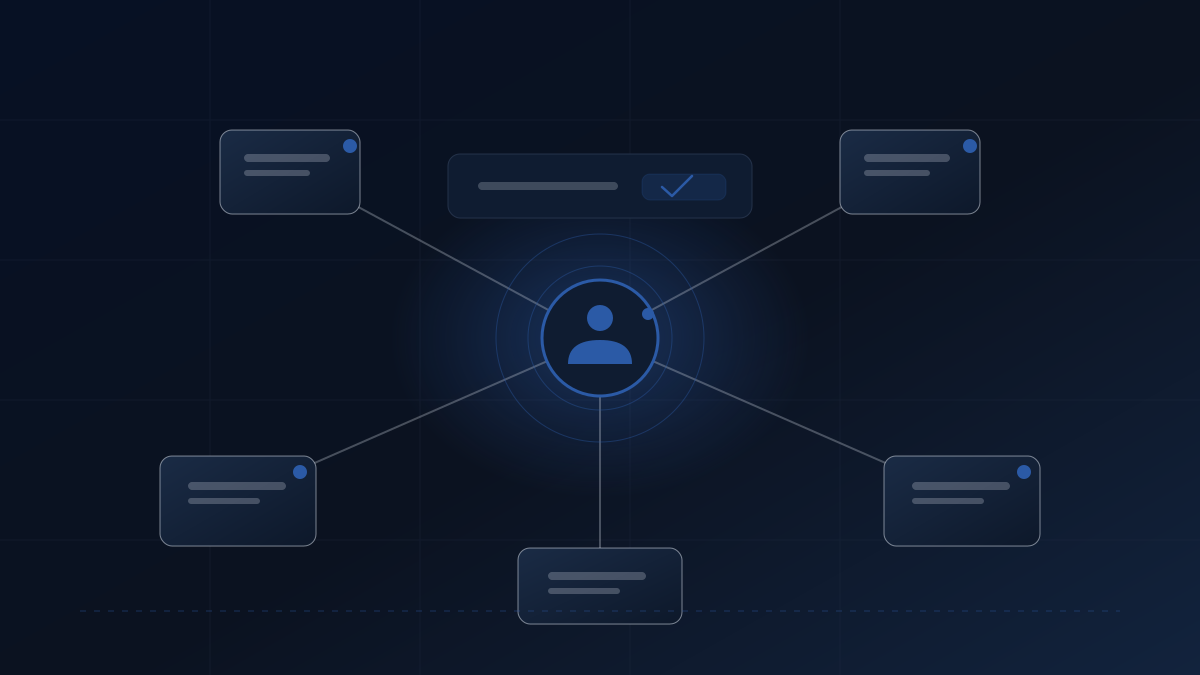
Named Ownership Makes Automation More Reliable
Automation without ownership fails quietly. A named owner, a runbook, and a review cadence keep workflows accountable.
Automation often works perfectly in testing but fails quietly in production. The workflow runs, the data moves, and then something changes upstream. A field name shifts, an API limit drops, or a permission resets. Without a clear structure, these breaks go unnoticed for weeks. The team assumes the system is working until a client asks where their data went.
This gap between testing and live operation is where reliability is typically lost. To fix it, you need more than better tools. A named-owner model ensures there is always a person accountable for the behaviour of the system. It moves the focus from building workflows to governing them.
If automation ownership is informal, you have hope that the system will hold. This model is not about adding bureaucracy. It is about adding clarity. When things break, you want to know why. You want to know who is fixing it. You want to know when it will be done.
Why automation often fails after testing
Most automation projects stall after the initial build. The builder tests the flow, sees it work, and hands it over. Then the environment changes. A third-party tool updates its schema. A user changes a column header in a spreadsheet. The automation stops, but no alert fires. This is known as silent failure. It happens because there is no one watching the queue. There is no log being reviewed. The work piles up in an error state, invisible to the team.
Consider a common scenario. An agency builds a lead intake process. It maps form data to a CRM. Two months later, the marketing team changes a field label from “Phone” to “Mobile Number”. The automation fails to map the data. It does not crash. It simply skips the field. Sales teams stop receiving phone numbers. Without oversight, nobody notices until a major deal stalls.
With a named owner, the silent failure triggers an alert. The owner consults the runbook and ships a fix before revenue is impacted. This drift occurs because there was no automation accountability built into the original design. The system was treated as a set-and-forget tool rather than a living process. Without workflow governance, small changes compound into large operational gaps. This approach aligns with software reliability and secure programming practices. You can read more about ownership models in cloud service governance.
Named-owner model: a governance layer for reliable automation
A named-owner model treats automation as a governed asset. It separates the act of building from the act of overseeing. In this framework, the automation is not an autonomous actor. It is a tool that requires human supervision.
The model defines clear roles. One person builds the workflow. Another person owns the operational outcome. It creates a control surface where status gates, QA checks, and audit trails are visible.
When an error occurs, the system should not just retry. It should flag the item for human review. A draft-first approach prevents bad data from propagating. Nothing is auto-sent without approval if the risk is high. The system updates downstream status and records the decision time. Every run writes evidence so issues can be traced later. This evidence is crucial for post-mortems. It allows you to see exactly what changed before the failure.
How to assign a named owner for automation
Assigning a named owner is a governance decision. It does not mean one person does all the work. It means one person is accountable for the health of the workflow. This role is often distinct from the builder. The builder focuses on logic and connections. The owner focuses on outcomes and reliability.
In a consultancy, the delivery lead might own the client-facing automations. In a product team, an ops lead might own the internal data syncs. The key is that the name is recorded.
To implement this, start by listing all active workflows. Assign a primary owner to each. This person receives alerts when failures occur. They are responsible for the weekly review of run logs. They decide if a failed item should be retried or cancelled. This creates accountability. If a workflow breaks, you know who to ask.
The owner maintains the connection between the technical setup and the business need. They ensure the automation still serves its purpose. This role should be documented in your central operations hub, whether that is Notion or a shared workspace. For guidance on sharing permissions in Power Automate, see the cloud flow sharing permissions guide.
You should also define a deputy owner. This ensures coverage when the primary owner is on leave. The system should not pause because a person is unavailable.
Maintain a registry of all automations. This registry should list the owner, the last review date, and the criticality level. It prevents workflows from becoming orphaned when staff leave.
Building a lightweight automation runbook
A runbook is a document that explains how to operate the system. It does not need to be complex. It needs to be useful during an incident.
A lightweight runbook should include the purpose of the workflow, the trigger conditions, what success looks like, and the failure paths. What happens if the API is down? Who gets notified? Where is the data stored if the sync fails?
Include a section on escalation. If the owner cannot fix the issue, who is next? This might be the original builder or a technical lead. The runbook should also link to the audit trail. You need to see what changed before the failure. For example, incident management practices can be adapted for automation ops.
Keep the document living. Update it when the workflow changes. If the runbook is outdated, it becomes noise. When an alert fires, the owner should know the next step immediately. This reduces panic and ensures consistent handling. It turns operational friction into a standard procedure.
Date every update to the runbook. For a practical guide on creating runbooks, refer to the automation runbook tutorial. This ensures you know which instructions were active during an incident and helps during post-mortems to see if the documentation was followed.
Trade-off: when the named owner becomes a bottleneck
There is a risk in centralising ownership. If one person must approve every decision, work slows down. This happens when the owner is unavailable or overloaded.
To fix this, define service level objectives. Set a time limit for decisions. If the owner does not respond within four hours, the task escalates. You can also rotate the ownership role. In larger teams, share the load across a pod. This prevents burnout and ensures coverage during time off.
Another safeguard is to tier the workflows. Critical processes need strict ownership. Low-risk tasks can have looser controls. Internal notifications might not need the same oversight as client billing. This tiered approach balances safety with speed. You avoid paralysis while maintaining governance.
The system should not stop completely if the owner is away. Define a deputy who can act in their absence. This keeps the queue moving. Reliability requires balance. Some friction is necessary for safety. The goal is to manage it rather than remove it entirely.
What named ownership actually means
Named ownership means a specific person is accountable for the workflow’s behaviour and risk. It shifts the culture from hope to verification.
The next step is to audit your current setup. For each critical workflow, check: is there an owner listed? Is there a runbook defined? Assign the role, write the document, and set a review cadence. This turns fragile scripts into accountable processes.
If lead follow-up needs a named owner and visible controls, start a fit enquiry and describe the current process.